 prufus
prufus
prufus
A free, open source tool to flash .iso images to a USB stick — including Windows installers — without leaving Linux.
Built for people who repair computers or just want a straightforward way back to Windows when they need it.
No virtual machines or dual booting required. Runs directly on your Linux desktop with GTK.
Splits Windows installation files larger than 4GB automatically to work around the FAT32 limit.
Modify it, rename it, or sell it — as long as your changes to the source stay open.
Use the desktop app, or drive it from a script: prufus.sh image.iso /dev/sdb.
Targets modern GPT + UEFI setups. No legacy BIOS hacks, no TPM bypasses — ever.
Creates an EFI boot partition plus an NTFS data partition with a proper disk label.
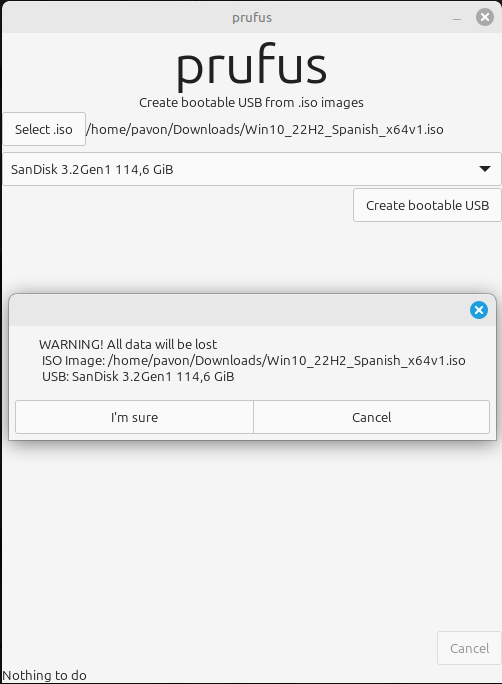
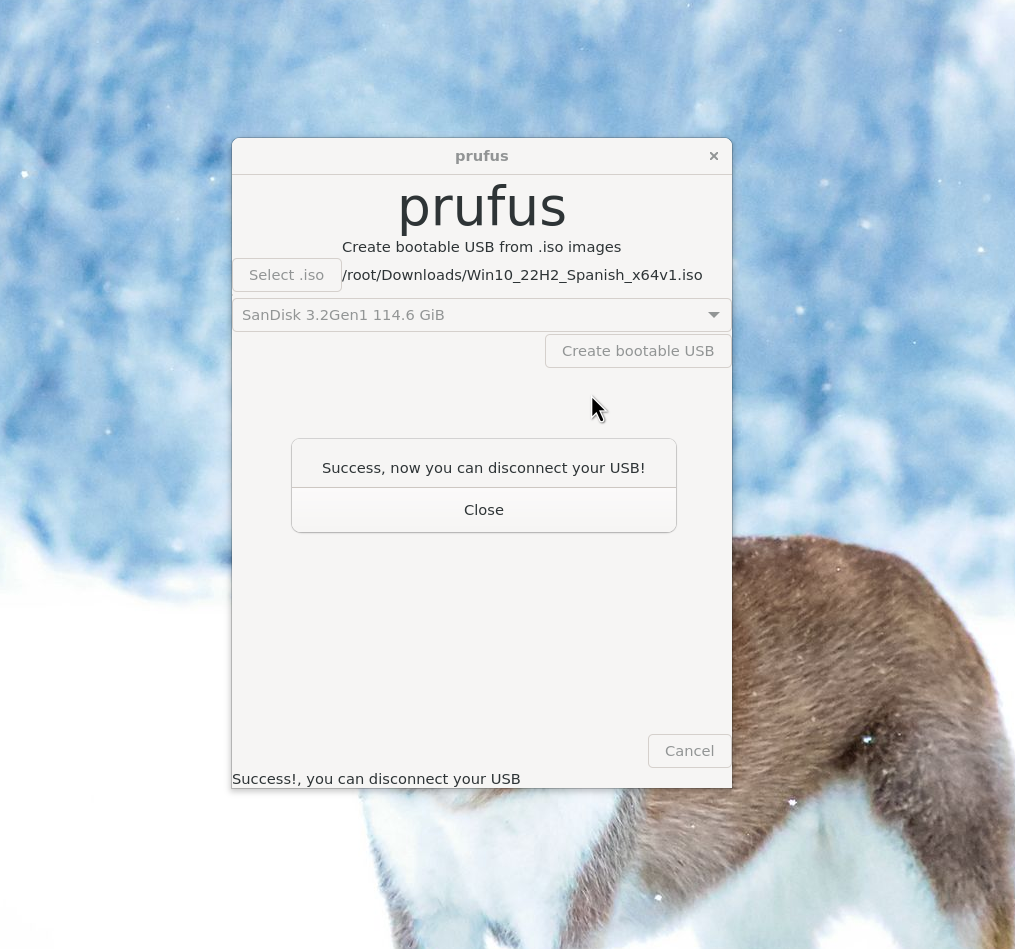
Pick an .iso, pick a drive, and prufus takes care of the rest.
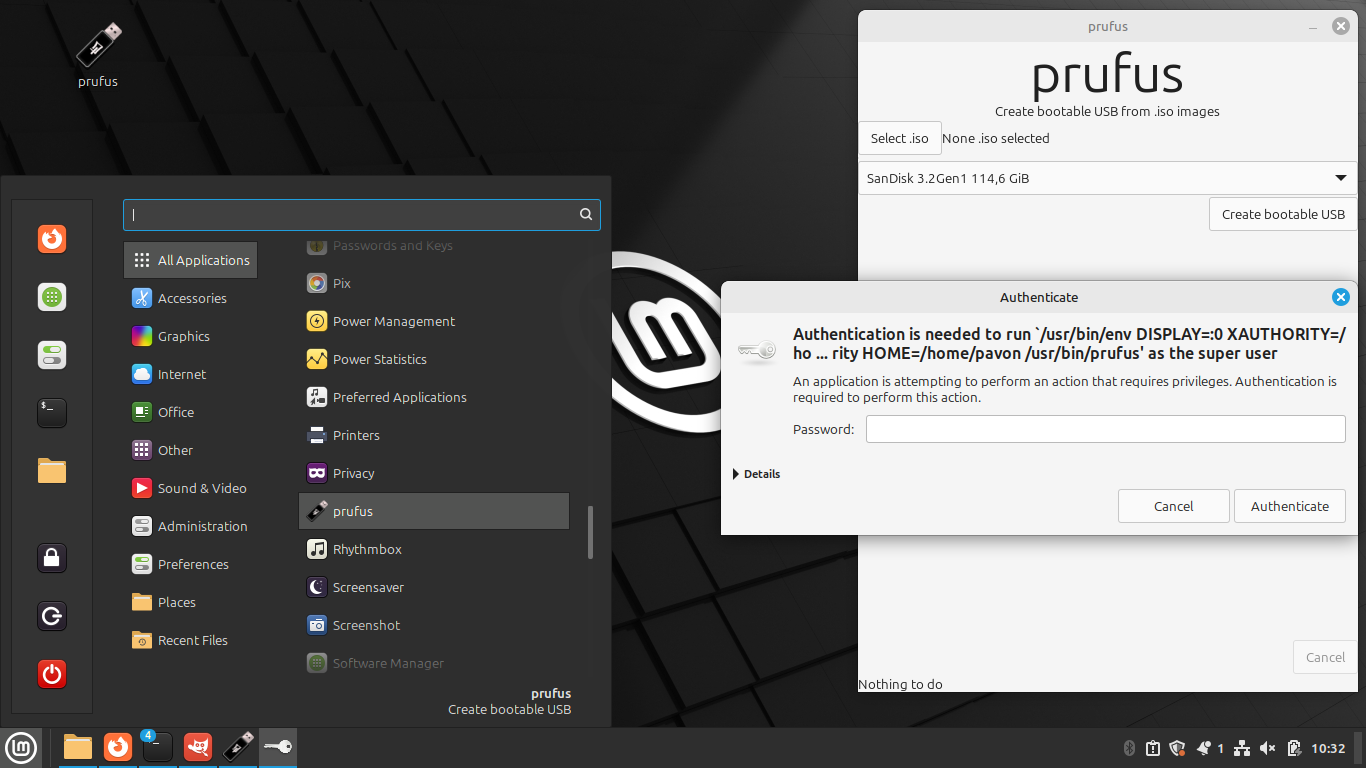
sudo, and the GUI will ask for it to format the drive.
Dependencies: GTK 4.16.7, make, gcc, rsync, wimlib-imagex, dosfstools, ntfs3g.
Install build dependencies (Ubuntu/Mint):
sudo apt-get install git libgtk-4-dev
sudo apt install wimtools
Clone and build:
git clone https://github.com/oscarpavon/prufus
cd prufus
make
Install the program, launcher, icon and desktop entry:
sudo make install
Launch prufus from your desktop, or run it directly from the terminal:
sudo prufus.sh ./Downloads/Windows.iso /dev/sdb
Grab the installer or build it yourself — either way, you're a few minutes from a bootable USB.